
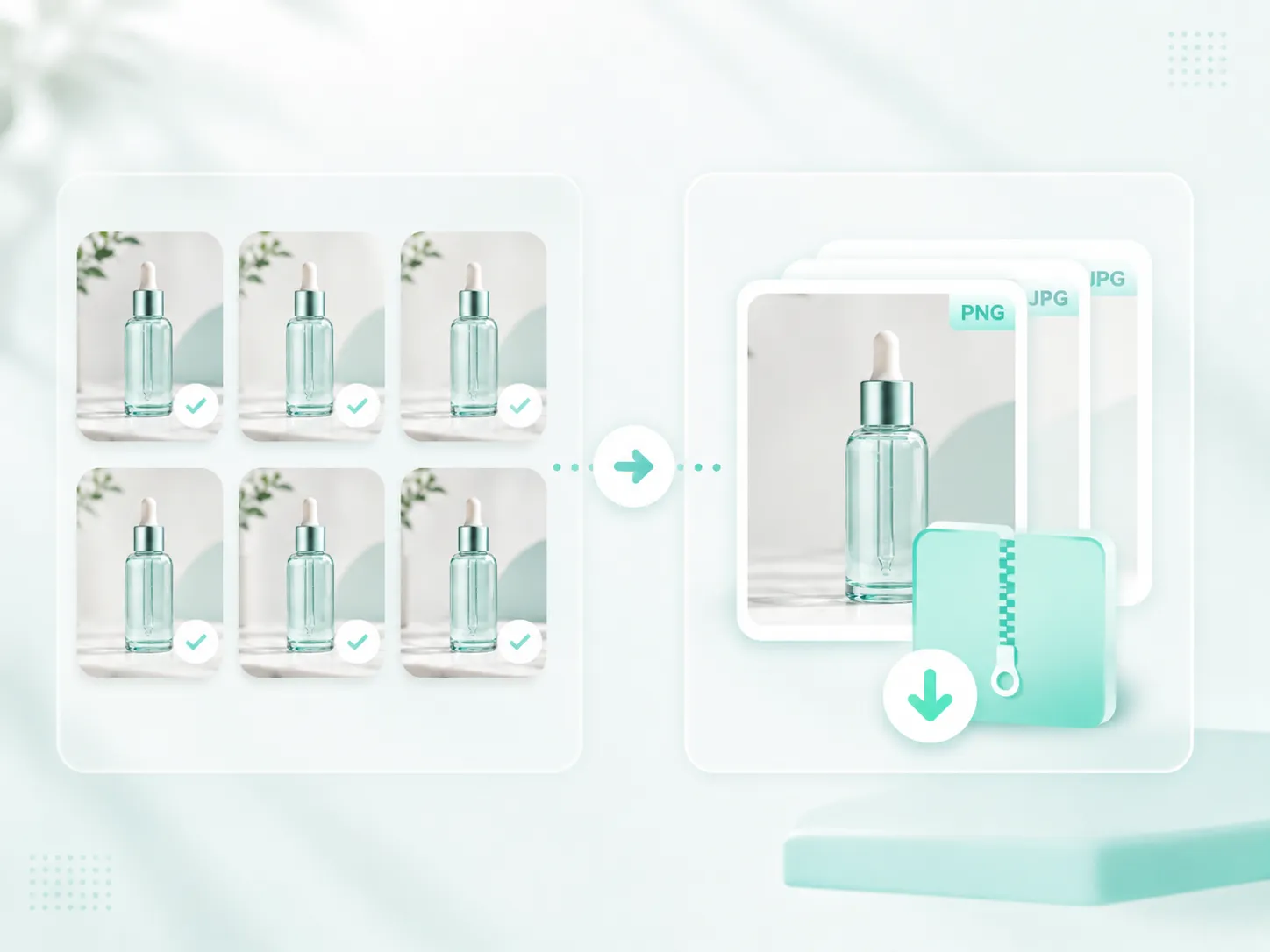
ZIP export ready
Download the whole processed batch in one archive.
BATCH IMAGE TOOLKIT
Remove or replace backgrounds, upscale, resize and clean product images. Export ready-to-use PNG/JPG batches as ZIP files.
Upload up to 20 images, choose a tool, process the batch and export ready-to-use assets.
What do you need today?
Each path leads into the same stable workspace, with one request per image and ZIP export for successful results.
Image workspace
Switch between background removal, upscaling, resizing and product cleanup, then process up to 20 images in one reliable workflow.
Clean product photos, portraits, logos and text graphics in batches of up to 20 images.
Use AI for product photos and portraits. Use Remove White Background for logos, text graphics, POD designs and clean white backgrounds.
JPG, PNG or WebP - up to 20 MB each
Before / After examples
Show cleaner products, prepare transparent graphics and package finished batches without jumping between tools.
Download the whole processed batch in one archive.
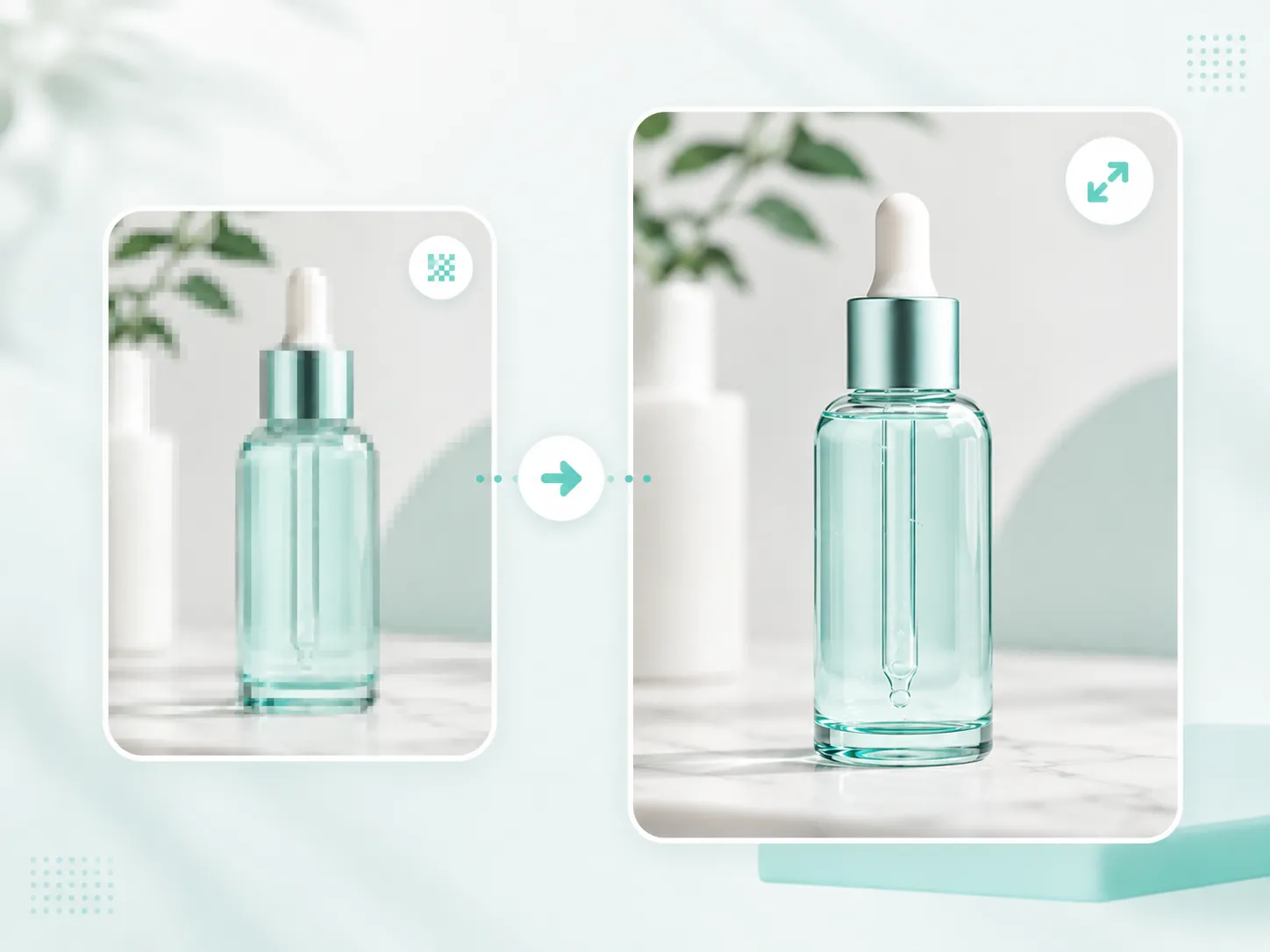
Turn a smaller product image into a sharper larger preview.
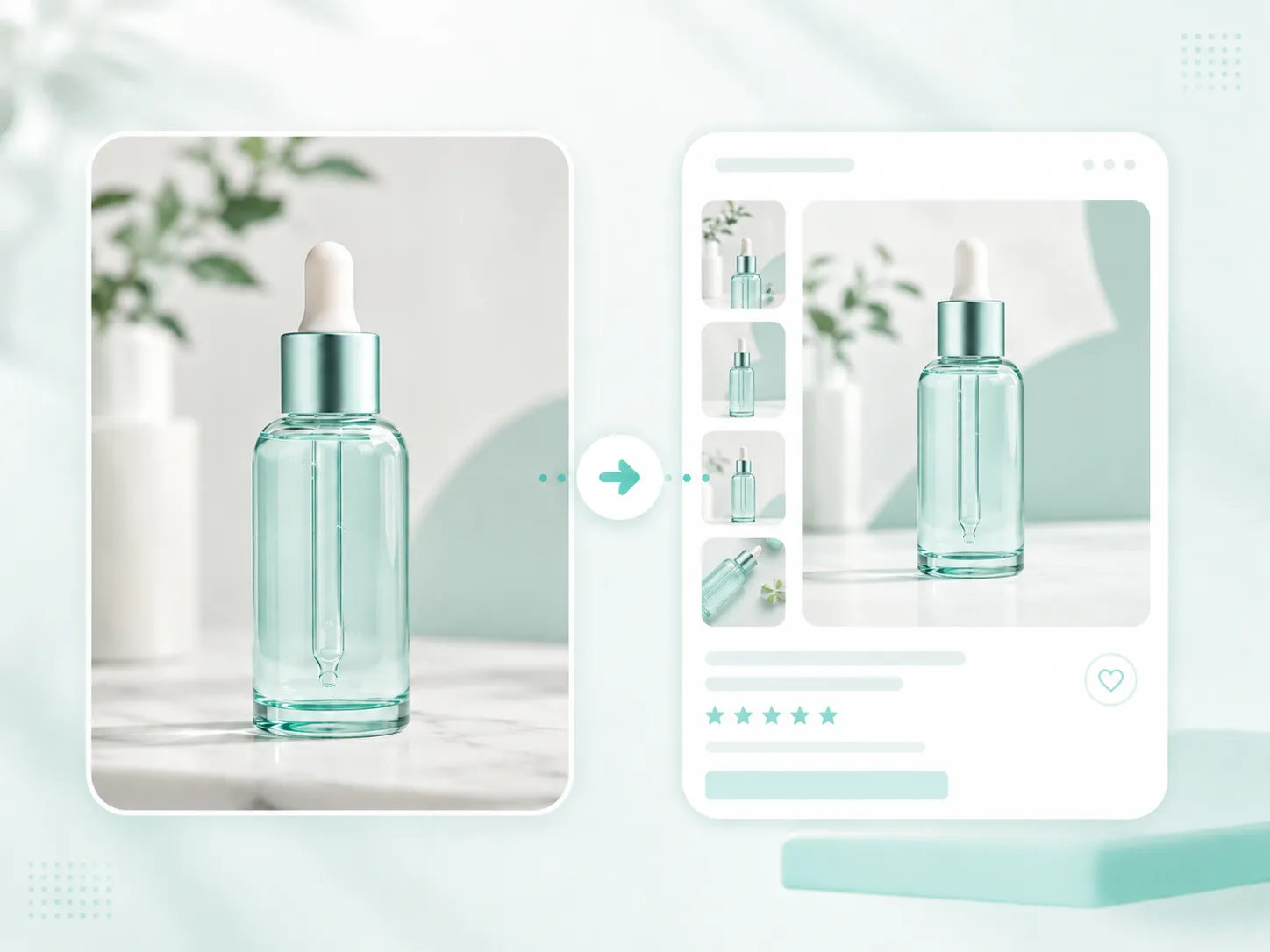
Prepare a clean product visual for a listing card.
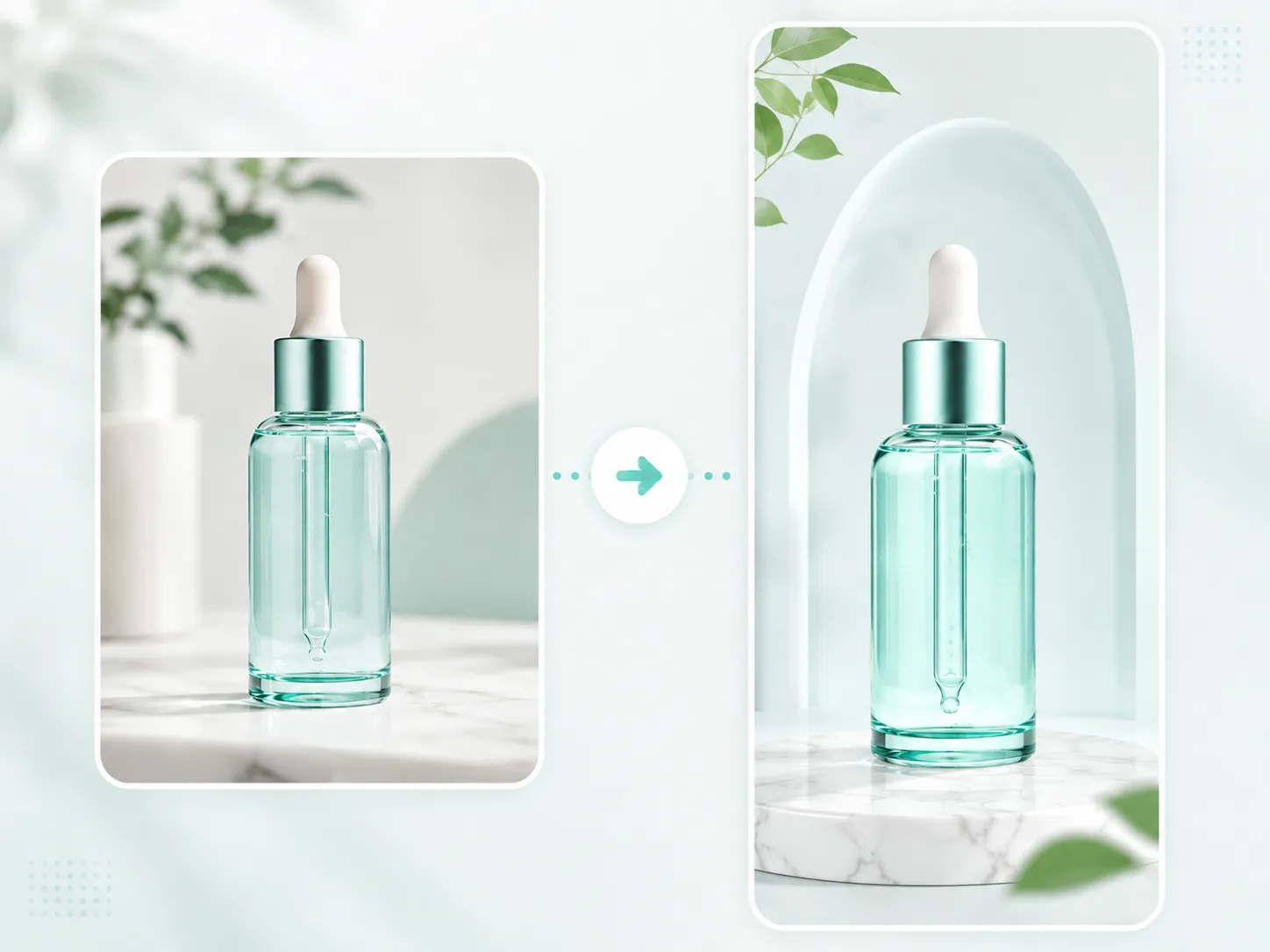
Place the product into a clean styled scene.
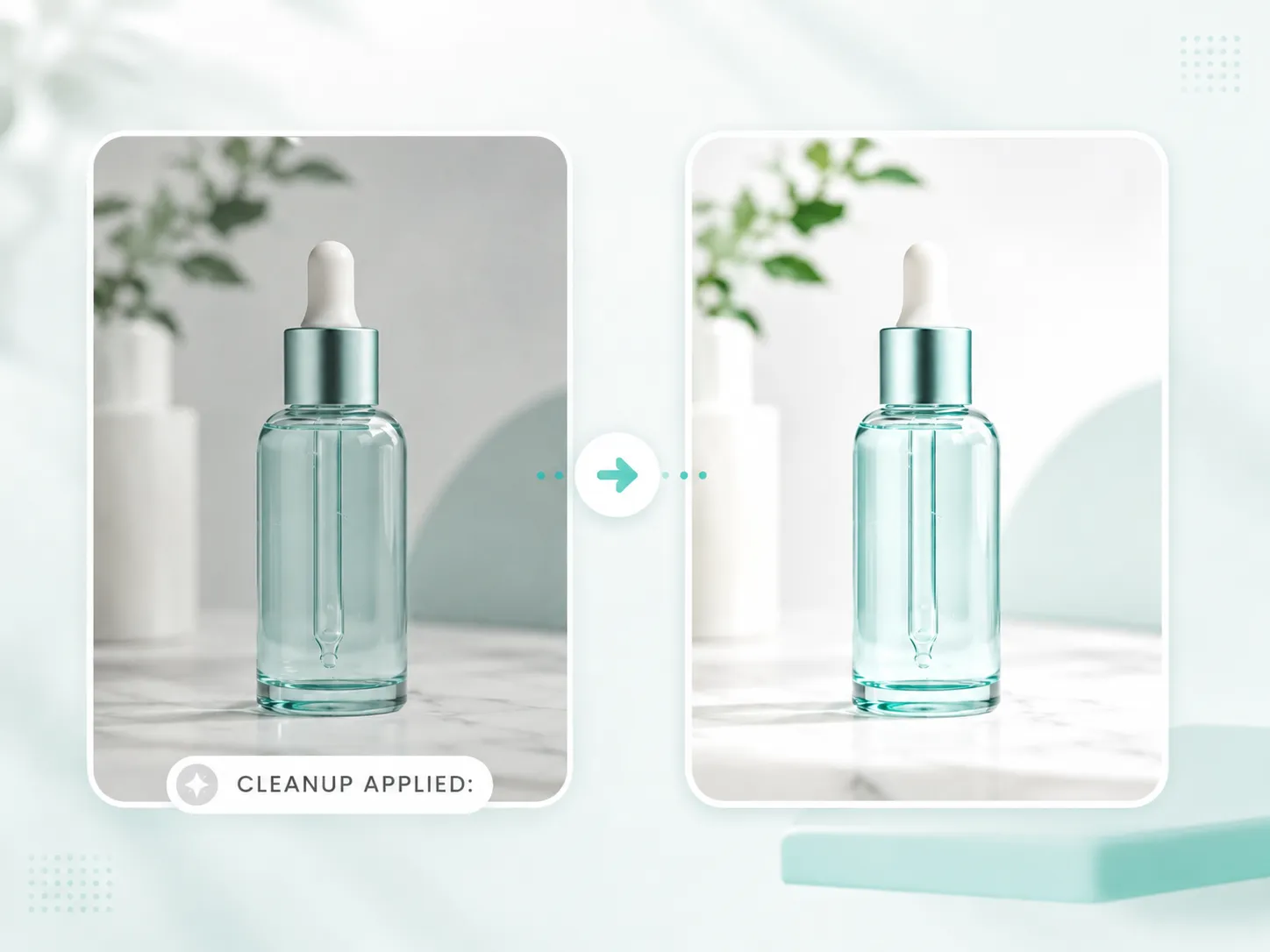
Improve clarity, edges and overall polish.
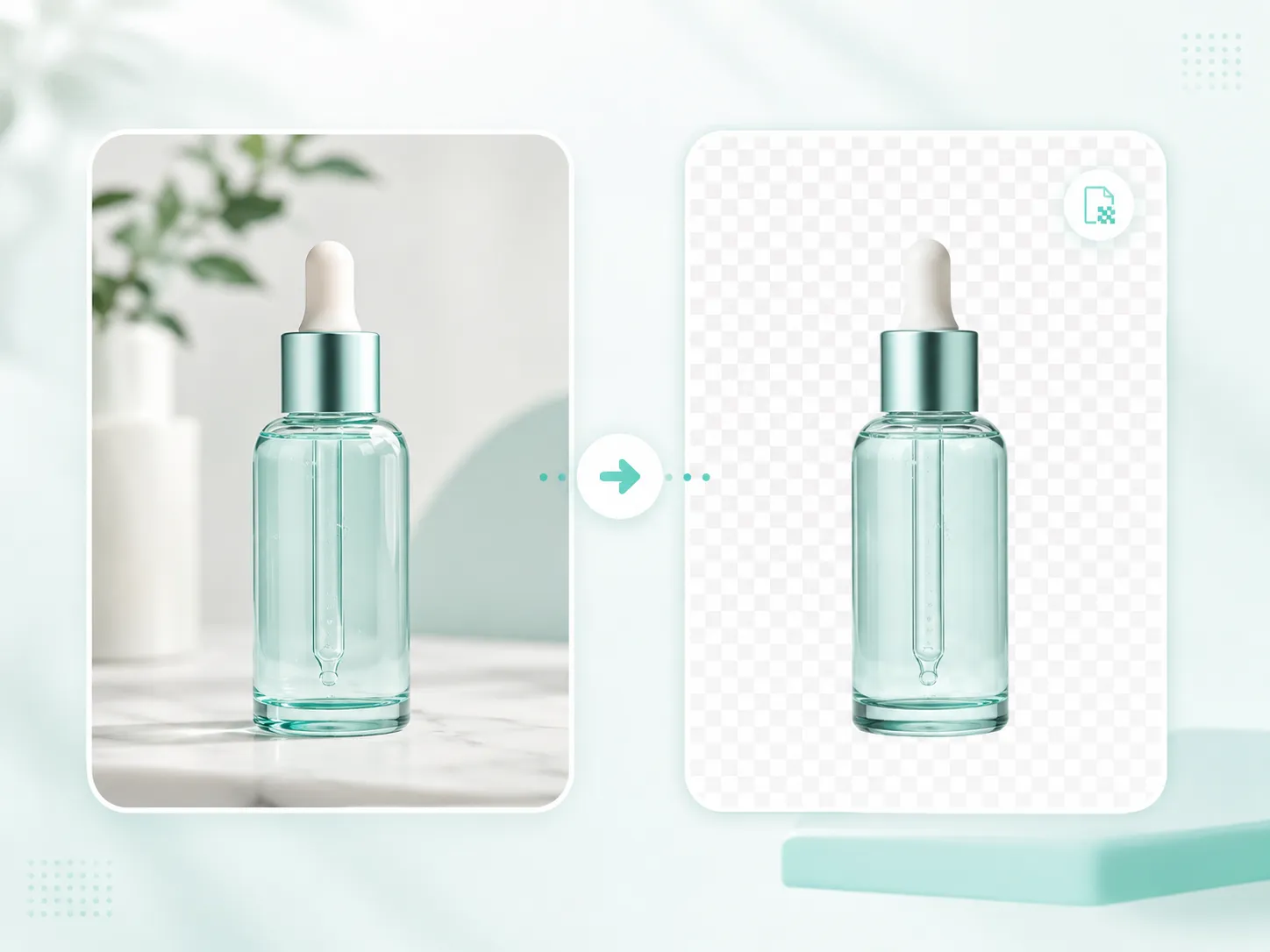
Get a clean transparent PNG for design and ecommerce use.
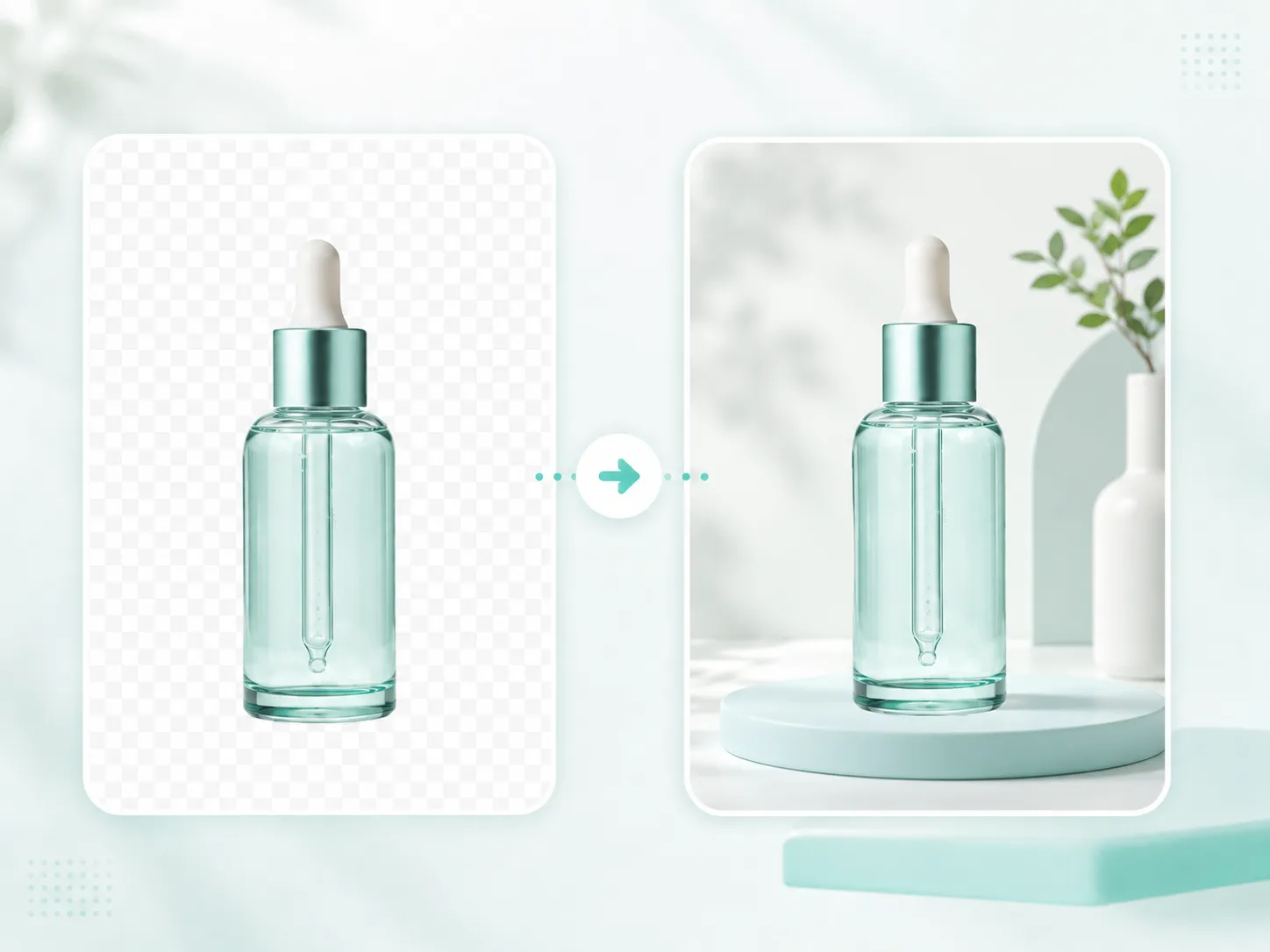
Start from a transparent cutout and place it on a ready-to-sell background.
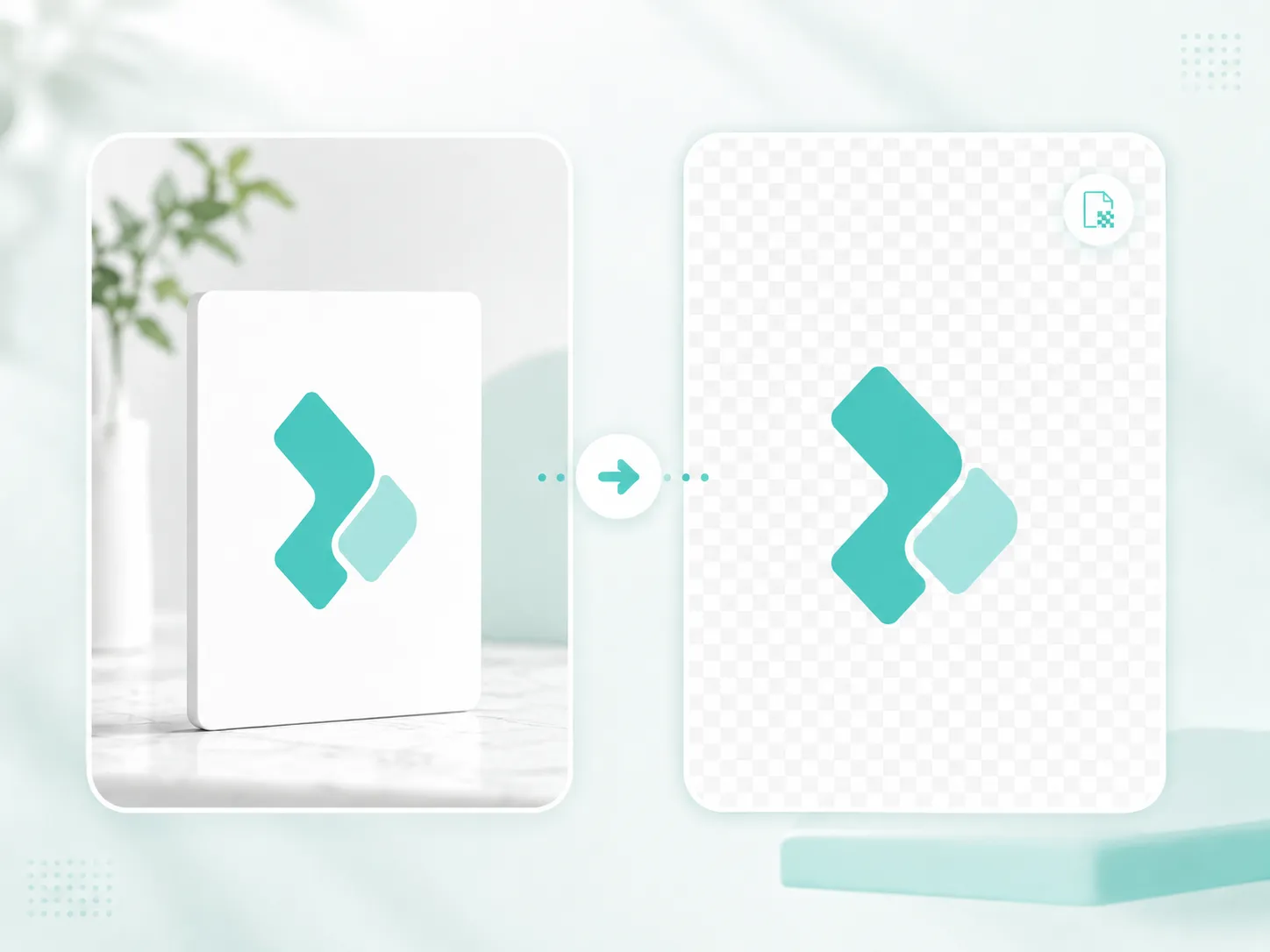
Remove the white box from a logo graphic.
Built for practical image work
ImageBoost Studio is a batch image toolkit for Etsy sellers, POD creators and ecommerce teams. It helps you remove backgrounds, replace backgrounds, upscale images, resize for platforms, clean product photos and download ready-to-use PNG/JPG files as a ZIP.
Tool coverage
Each tool uses the same sequential 20-image workflow, so successful results stay visible and ZIP export includes completed files only.
Remove backgrounds from product photos, portraits, logos and clean white-background graphics.
Enlarge images by 2x or 4x and export clean PNG or high-quality JPG files.
Cut out a subject and place it on a clean, consistent product background color.
Resize images into exact listing, thumbnail and social export dimensions.
Apply a light finishing pass for cleaner product photos and catalog batches.
Process up to 20 images sequentially and download results one by one or as a ZIP.
Perfect for
From quick product cleanup to export-ready asset packs, keep repetitive image work moving.
Simple pricing
Create a free account, then upgrade securely when you need a larger monthly image allowance.
€0
For testing the workspace and occasional image tasks.
€9/ month
For creators and small shops with regular image batches.
€18/ month
For larger catalogs and higher-volume content production.
€199 one-time
A limited launch offer for independent creators and early supporters.
Prices are shown in EUR based on your browser region. Customers outside EUR, GBP, CHF and PLN regions see USD. Secure checkout uses the same selected currency.
Support the launch
Support independent development or send product feedback directly to the studio.
FAQ
Yes. Every new account starts on Free with 20 processed images per month.
No payment is required for Free. Creator, Pro and Lifetime upgrades use secure Stripe Checkout.
Each successfully processed image counts once. Failed or invalid images do not use your monthly allowance.
Stripe keeps your subscription status in sync. When paid access ends, your account returns to the Free plan.
Uploaded images are processed temporarily and are not intended to be stored permanently. Temporary files are deleted after processing.
You can process up to 20 images in one batch.
Use Remove White Background for logos, text graphics, POD designs and clean white-background images. Use AI modes for product photos and portraits.
Use Replace Background when you want finished product images on a clean white, pastel or brand-color background instead of a transparent cutout.
Universal Resizer includes presets for Etsy listings, Etsy thumbnails, Shopify, WooCommerce, Instagram, Pinterest, YouTube and TikTok, plus custom dimensions.
No. Product Photo Cleanup is a light finishing pass for brightness, contrast, color and clarity. Generative object removal is planned as a separate future tool.